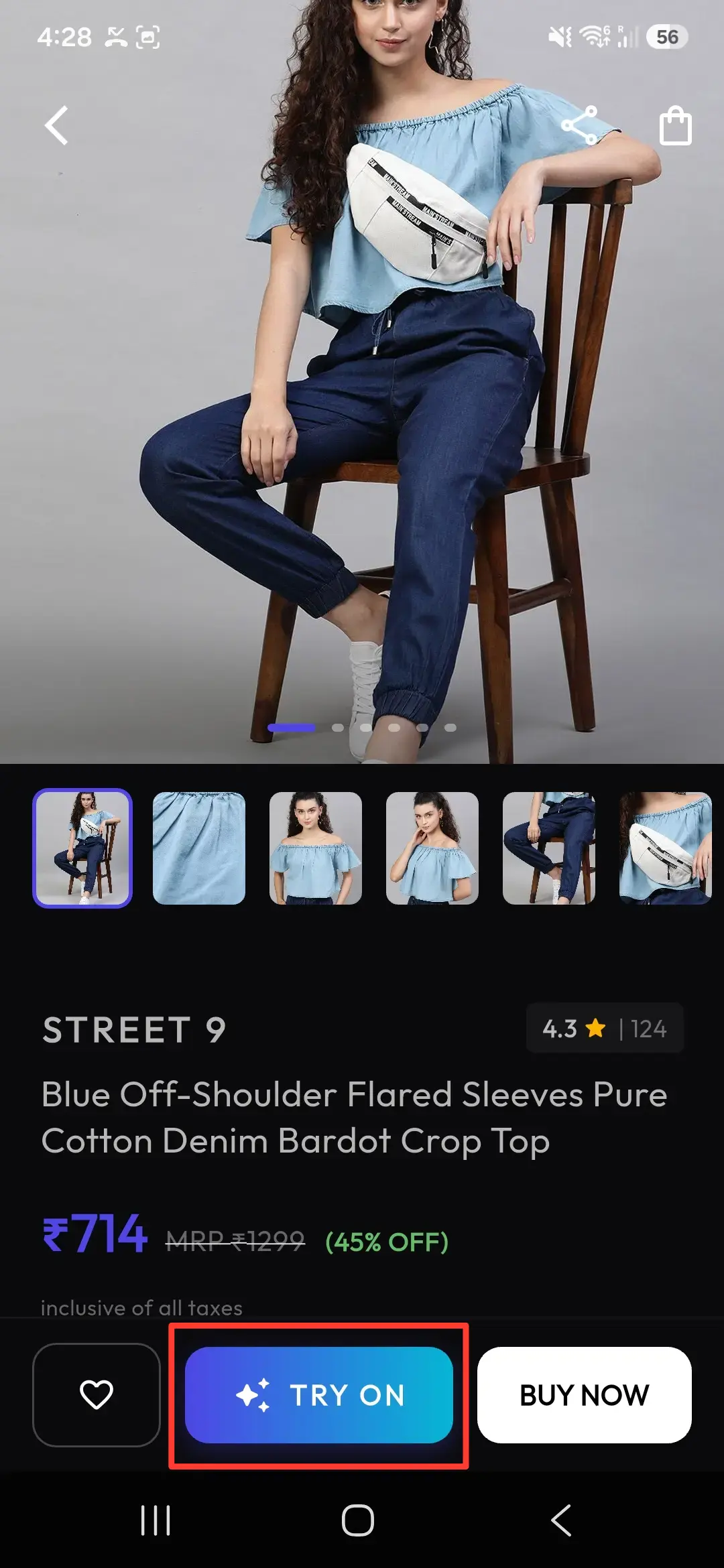
How to Add AI Virtual Try-On to Your React Storefront
Add a dynamic fitting room experience to your React website. A complete step-by-step guide to uploading garments and triggering VTON generations using the native API.

Adding a Virtual Try-On (VTON) experience to your React storefront can significantly boost shopper engagement and lower return rates. By directly calling the Snapmydesign (SMD) API, you can implement a completely customized try-on widget that blends seamlessly with your store's branding.
This guide walks you through building a custom React hook and component that connects to the SMD VTON API endpoints: POST /vton/upload and POST /vton/generate.
⚡ Direct API Integration in 3 Steps
1. Setup Your API Request Helpers
Since e-commerce applications typically call API services from a secure serverless function or proxy (to keep your API key hidden from the browser), let's write a reusable service helper:
// services/vtonApi.js
const API_BASE = "https://apisdk.snapmydesign.com/api/v1";

export async function uploadImage(userId, file, apiKey) {
  const formData = new FormData();
  formData.append("files", file);
  formData.append("userId", userId);

  const response = await fetch(`${API_BASE}/vton/upload`, {
    method: "POST",
    headers: {
      "X-API-Key": apiKey,
    },
    body: formData,
  });

  if (!response.ok) {
    throw new Error("Failed to upload image");
  }

  const data = await response.json();
  return data.uploaded[0].url; // Returns the uploaded asset URL
}

export async function generateTryOn(userId, clothesUrl, personUrl, apiKey) {
  const response = await fetch(`${API_BASE}/vton/generate`, {
    method: "POST",
    headers: {
      "X-API-Key": apiKey,
      "Content-Type": "application/json",
    },
    body: JSON.stringify({
      userId,
      model_name: "medium", // Options: "fast" | "medium" | "quality"
      inputClothesImageUrls: [clothesUrl],
      inputPersonImageUrls: personUrl ? [personUrl] : [],
      prompt: "Place the garment on the model",
      version: 1.0,
    }),
  });

  if (!response.ok) {
    const err = await response.json();
    throw new Error(err.message || "Failed to generate try-on");
  }

  return await response.json();
}
2. Build the React Try-On Hook
Using React state hooks, we can manage the workflow state: idle, uploading, generating, success, or error.
// hooks/useVirtualTryOn.js
import { useState } from "react";
import { uploadImage, generateTryOn } from "../services/vtonApi";

export function useVirtualTryOn({ userId, apiKey }) {
  const [status, setStatus] = useState("idle"); // "idle" | "uploading" | "generating" | "success" | "error"
  const [resultUrl, setResultUrl] = useState(null);
  const [error, setError] = useState(null);

  const startTryOn = async (garmentFile, modelFile) => {
    setStatus("uploading");
    setError(null);
    try {
      // 1. Upload assets
      const clothesUrl = await uploadImage(userId, garmentFile, apiKey);
      let personUrl = null;
      if (modelFile) {
        personUrl = await uploadImage(userId, modelFile, apiKey);
      }

      // 2. Trigger generation
      setStatus("generating");
      const result = await generateTryOn(userId, clothesUrl, personUrl, apiKey);

      if (result.success && result.outputImageUrls?.length > 0) {
        setResultUrl(result.outputImageUrls[0]);
        setStatus("success");
      } else {
        throw new Error("No output image generated");
      }
    } catch (err) {
      setError(err.message);
      setStatus("error");
    }
  };

  return { startTryOn, status, resultUrl, error };
}
3. Create the Try-On Component UI
Let's design a styled React fitting room component using Tailwind CSS:
import React, { useState } from "react";
import { useVirtualTryOn } from "./hooks/useVirtualTryOn";

export default function FittingRoom({ garmentImageUrl }) {
  const [userPhoto, setUserPhoto] = useState(null);
  const { startTryOn, status, resultUrl, error } = useVirtualTryOn({
    userId: "your_user_id_here",
    apiKey: "smd_live_your_api_key_here",
  });

  const handleFileChange = (e) => {
    if (e.target.files && e.target.files[0]) {
      setUserPhoto(e.target.files[0]);
    }
  };

  const handleSubmit = async () => {
    try {
      const response = await fetch(garmentImageUrl);
      const blob = await response.blob();
      const garmentFile = new File([blob], "garment.png", { type: "image/png" });

      await startTryOn(garmentFile, userPhoto);
    } catch (err) {
      console.error(err);
    }
  };

  return (
    <div className="rounded-2xl border border-gray-200 bg-white p-6 shadow-sm">
      <h3 className="text-lg font-bold text-gray-900 mb-4">Virtual Fitting Room</h3>

      <div className="space-y-4">
        {/* Upload Customer Photo */}
        <div>
          <label className="block text-sm font-semibold text-gray-700 mb-1">
            Upload Your Photo (Optional)
          </label>
          <input
            type="file"
            accept="image/*"
            onChange={handleFileChange}
            className="block w-full text-sm text-gray-500 file:mr-4 file:py-2 file:px-4 file:rounded-md file:border-0 file:text-sm file:font-semibold file:bg-secondary-50 file:text-secondary-700 hover:file:bg-secondary-100"
          />
        </div>

        {/* Action Button */}
        <button
          onClick={handleSubmit}
          disabled={status === "uploading" || status === "generating"}
          className="w-full rounded-lg bg-secondary-600 py-3 font-semibold text-white transition hover:bg-secondary-700 disabled:bg-gray-300"
        >
          {status === "uploading" && "Uploading photos..."}
          {status === "generating" && "Generating Try-On..."}
          {status !== "uploading" && status !== "generating" && "Try It On!"}
        </button>

        {/* Display Status or Result */}
        {status === "success" && resultUrl && (
          <div className="mt-6 overflow-hidden rounded-xl border border-gray-100">
            <img src={resultUrl} alt="Try On Result" className="w-full object-contain" />
          </div>
        )}

        {status === "error" && (
          <p className="mt-2 text-sm text-red-600 font-medium">Error: {error}</p>
        )}
      </div>
    </div>
  );
}
🎨 Endpoint Reference & Payload Details
Here is the parameter detail for /vton/generate requests:
| Parameter | Type | Required | Description |
|---|---|---|---|
userId | string | Yes | Your account Developer User ID |
model_name | string | Yes | Model choice: fast, medium, or quality |
inputClothesImageUrls | string[] | Yes | Array of uploaded garment image URLs (1 item max) |
inputPersonImageUrls | string[] | No | Array of uploaded customer image URLs (1 item max) |
prompt | string | No | Custom guidelines for VTON model output placement |
version | number | No | API rendering model version (e.g. 1.0 or 1.1) |